








Frequently Asked Questions
Canlı Destek
Live Support Operations
Manage live support conversations with the right agents and teams
Route customer conversations from WhatsApp, Instagram, TikTok, LiveChat, and other channels to agents or groups. Manage assignments, availability, transfers, and supervisor oversight within a single operation to ensure every conversation is handled by the right team.
Beyond Responding to Messages
Give every conversation clear ownership and every team operational control
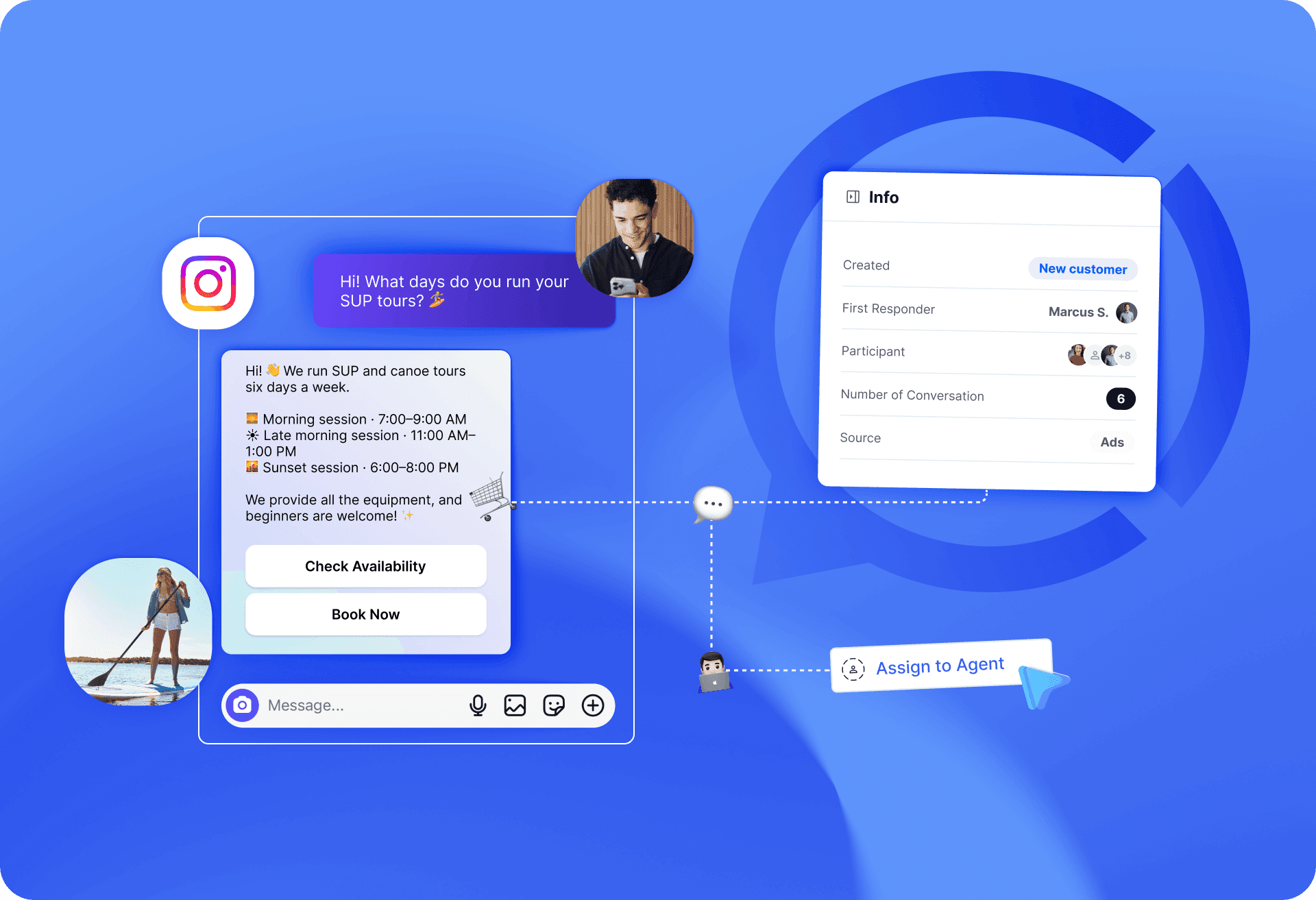
A strong live support experience requires more than fast responses. It also means managing conversation ownership, agent availability, customer wait times, and operational visibility together.
Assign Clear Ownership to Every Conversation
Route customer conversations manually or automatically to the relevant agent or group, making it clear who is responsible for each conversation.
Distribute Workloads Among Available Agents
Exclude agents who are on a break or unavailable for new assignments from distribution, and route conversations to other available team members.
Transfer Conversations Without Losing Context
Transfer conversations between agents and groups while supporting team collaboration through internal notes and observers.
Monitor Operations in Real Time
Enable supervisors to view ongoing conversations, monitor agent messages, join conversations, and reassign them when necessary.
One Team, Multiple Customer Channels
Respond to customers on the channels where they start the conversation
Manage customer interactions from different channels, including WhatsApp, social media, website live chat, and marketplaces, through Connexease. Agents can continue conversations on the customer's original channel without switching between platforms.

Manage orders, support requests, appointments, and post-purchase inquiries through WhatsApp conversations.
Manage orders, support requests, appointments, and post-purchase inquiries through WhatsApp conversations.
Manage orders, support requests, appointments, and post-purchase inquiries through WhatsApp conversations.
Manage orders, support requests, appointments, and post-purchase inquiries through WhatsApp conversations.

Provide live agent support for one-to-one conversations initiated through DMs, comments, and automated interactions.
Provide live agent support for one-to-one conversations initiated through DMs, comments, and automated interactions.

Facebook Messenger
Bring customer messages received through Facebook into your live support operations.
Bring customer messages received through Facebook into your live support operations.

Telegram
Respond to customer conversations initiated through Telegram from the same agent workspace.
Respond to customer conversations initiated through Telegram from the same agent workspace.
TikTok
Bring supported customer interactions from TikTok into your team's live support operations.
Bring supported customer interactions from TikTok into your team's live support operations.
LiveChat
Manage LiveChat messages from your website from a single panel, provide instant support to your visitors. With Connexease Inbox, you can easily share your live chats within your team and increase customer satisfaction.
Manage LiveChat messages from your website from a single panel, provide instant support to your visitors. With Connexease Inbox, you can easily share your live chats within your team and increase customer satisfaction.

Google Reviews
Manage feedback received through Google Reviews from a single workspace and respond to reviews quickly and professionally. With Connexease, you can easily keep your brand reputation under control.
Manage feedback received through Google Reviews from a single workspace and respond to reviews quickly and professionally. With Connexease, you can easily keep your brand reputation under control.
App Store
Bring reviews and ratings from the App Store into Connexease Inbox and respond to users promptly. Keep app feedback organized and manageable, even during high-volume periods.
Bring reviews and ratings from the App Store into Connexease Inbox and respond to users promptly. Keep app feedback organized and manageable, even during high-volume periods.

Google Play Store
Manage Google Play reviews and user feedback through a single inbox, and respond promptly to questions and issues. Use Connexease Inbox to manage your app's user communication professionally.
Manage Google Play reviews and user feedback through a single inbox, and respond promptly to questions and issues. Use Connexease Inbox to manage your app's user communication professionally.
Marketplaces
Enable your agents to manage customer inquiries and order-related conversations from different marketplaces.
Enable your agents to manage customer inquiries and order-related conversations from different marketplaces.
Custom Channels
Connect your business-specific communication channels to Connexease, allowing agents to manage them within their existing workflows.
Connect your business-specific communication channels to Connexease, allowing agents to manage them within their existing workflows.
Clear Ownership, Controlled Distribution
Assign new conversations manually or distribute them automatically
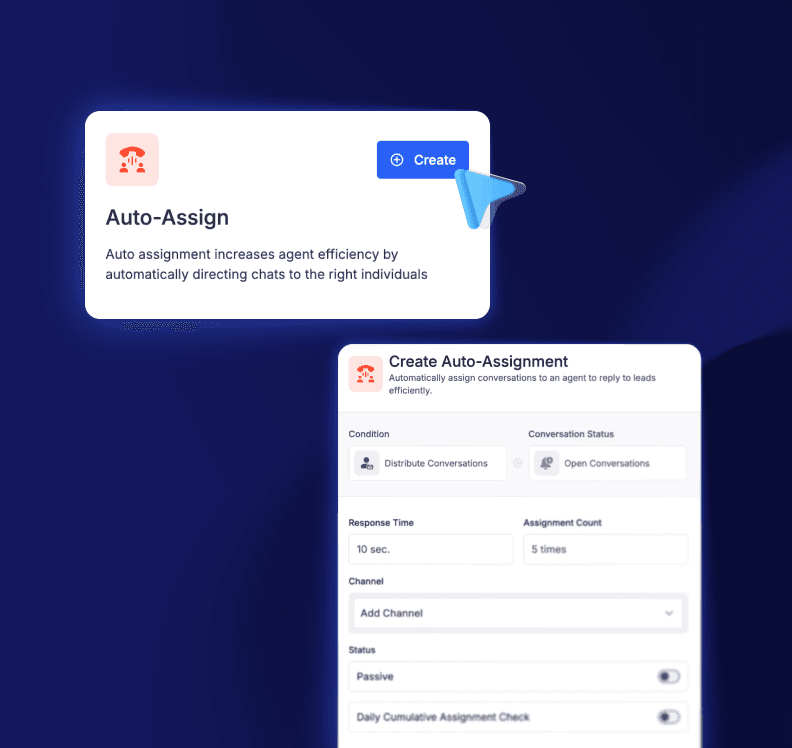
Depending on how your operation works, assign customer conversations directly to specific agents or use automatic assignment methods. Reduce unassigned conversations and make ownership of every interaction visible.

Manual Assignment
Assign a new or ongoing conversation to a specific agent or the relevant group. Supervisors and authorized team members can change conversation ownership when needed to reorganize operational workflows.

Sequential Automatic Distribution
Route new conversations sequentially to available agents in the automatic assignment pool. Exclude agents who are on a break or unavailable for new assignments.

Distribution Based on Daily Conversation Workload
Take into account the total number of conversations assigned to each agent throughout the day when distributing new conversations. Prioritize available agents with fewer assigned conversations to maintain a more balanced daily workload across the team.
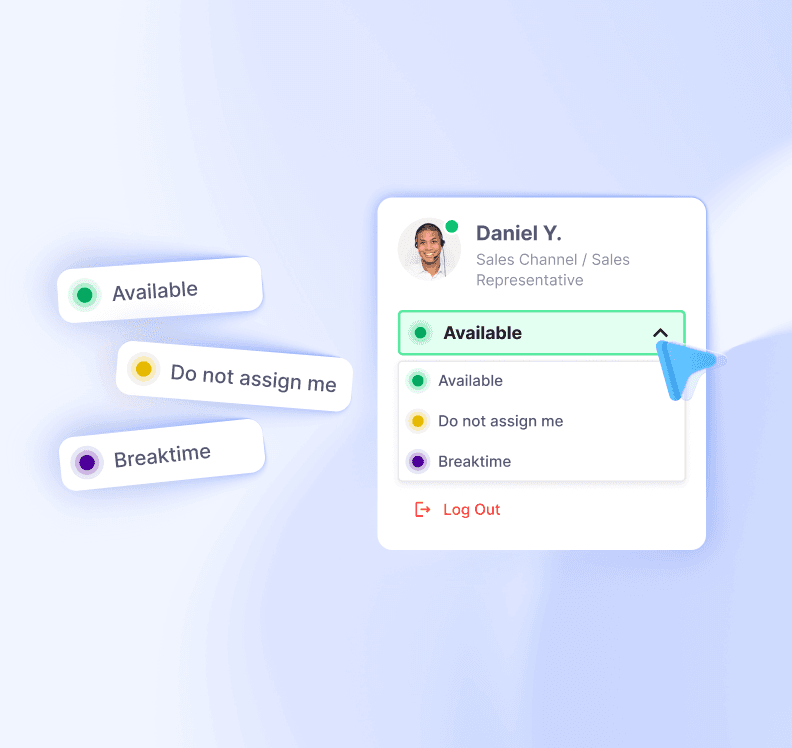
Distribution Based on Agent Status
Route new conversations only to agents available to handle them
Reflect agents' manually selected break or unavailability statuses in your live support operations. Exclude unavailable team members from the automatic distribution pool and route new conversations to other available agents.

Break Status
When an agent manually activates their break status, they are removed from the automatic assignment pool. New customer conversations are distributed to other available agents.

Unavailable for New Assignments
Agents can manually make themselves unavailable for new conversation assignments when needed. They can continue managing existing conversations while new customer conversations are routed to other available team members.

Number of Open Conversations
Agents can view the number of open conversations assigned to them directly from their workspace. The same information can also be tracked in reports to evaluate workloads.
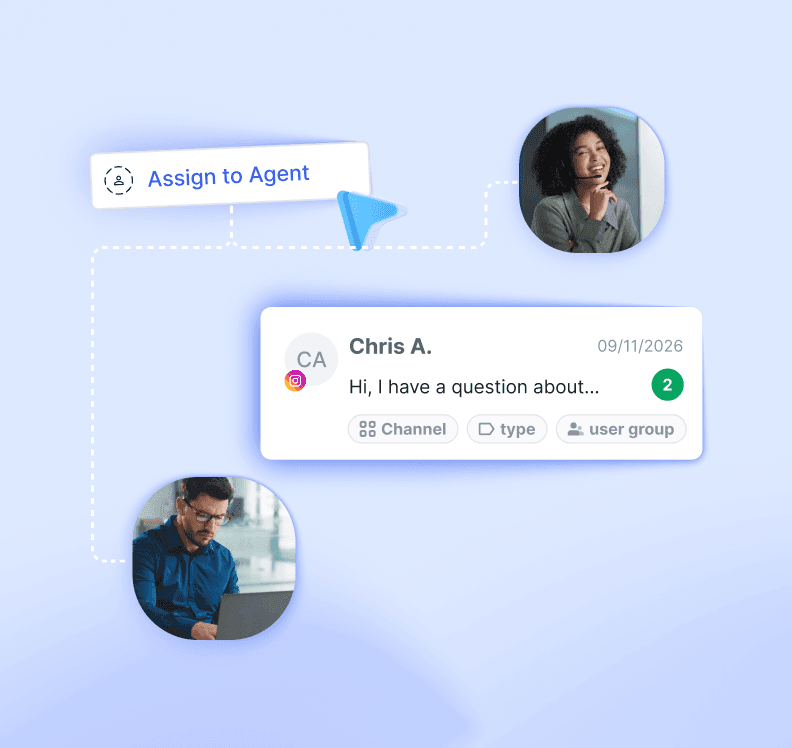
Transfer Without Losing Context
Transfer conversations between agents and groups while preserving context
When a customer request requires support from another team member or group, transfer the conversation to its new owner. Support internal knowledge sharing through notes and observers, reducing the need for customers to repeat their requests.

Agent-to-Agent Transfer
Transfer an ongoing customer conversation to another agent who needs to continue handling it. The new owner takes over within the existing conversation.

Agent-to-Group Transfer
Transfer conversations to the relevant group when a request requires involvement from sales, support, returns, or another group defined by your business.

Group-to-Group Transfer
Transfer customer requests outside one group's scope to another group, ensuring that conversations continue with the right team.

Internal Notes
Leave notes about conversation history, required actions, or transfer reasons without displaying them to the customer. Help the new owner take over the conversation more easily.

Observers
Add a team member to a conversation as an observer to keep them informed about its progress.
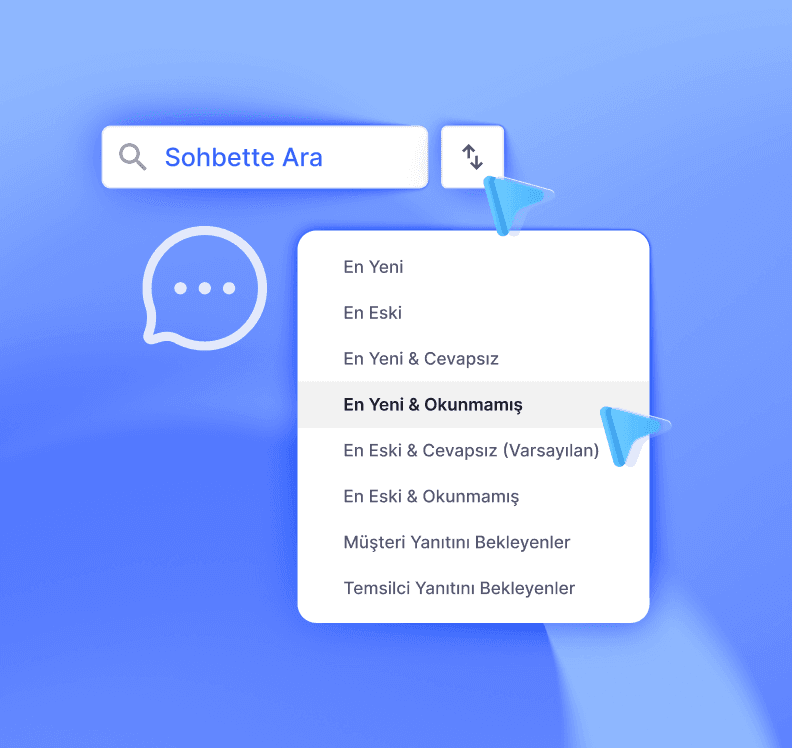
Make Waiting Customers Visible
Easily track unassigned conversations and those awaiting responses
Make not only ongoing conversations visible in your live support operations, but also conversations that have not yet been assigned or are awaiting an agent response. Help teams access priority conversations faster through sorting and automation-based highlighting.

Unassigned Conversations
View conversations without an assigned agent or group in the "Unassigned" section. Enable authorized users to route them to the relevant team member.

Conversations Awaiting a Response
Move conversations awaiting agent action after a customer response higher in the conversation list, helping teams access priority requests more easily.

Long-Waiting Conversations
Highlight conversations that have remained unanswered for a defined period through automation, making them visible in the agent workspace.

Conversations Approaching the WhatsApp Service Window Limit
Make conversations approaching the end of the WhatsApp customer service window visible in the workspace, helping your team take timely action.

Open Conversations Assigned to an Agent
Allow agents to view the number of open conversations assigned to them directly from their workspace. Track the same data through reporting to evaluate team workloads.
The WhatsApp Difference
Take over chatbot conversations transferred to live support within your team operations
Assign conversations transferred from a chatbot or automation flow to the relevant agent or group. Enable agents to review existing messages and customer information available through the transfer, then continue the conversation through Connexease Inbox.
Let's Discuss Your Chatbot-to-Live Support FlowTake Ownership of the Transferred Conversation
Assign an Owner to Conversations Reaching Live Support
Let's Discuss Your Chatbot ScenarioAssign conversations coming from chatbot flows to the relevant agent or group, establishing clear ownership within your live support operations.
Review Conversation Context
Reduce the Need for Customers to Repeat Information
Agents can review messages shared during the chatbot flow and information provided as part of the transfer, allowing them to continue the conversation with the existing context.
Manage with Live Support Capabilities
Make Transferred Conversations Part of Your Team Operations
Once a conversation reaches live support, manage it using capabilities such as assignment, transfer, internal notes, observers, and supervisor oversight.
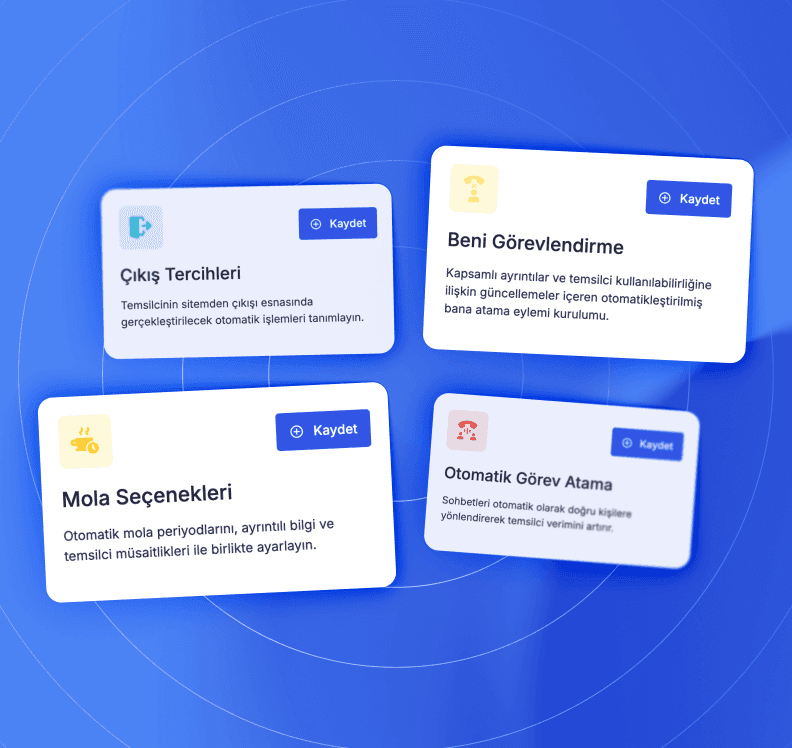
How We Differentiate
Keep conversations received outside business hours in a queue
When business hours and holiday rules are configured through automation, keep customer conversations initiated while your team is offline in a queue. Once agents log in and become available for new conversations, include waiting conversations in live support distribution.

Keep Conversations in a Queue
Queue conversations initiated outside agents' active working hours so they can be managed by the team when operations resume.

Start Assignments When Agents Log In
When agents log in and become available for assignments, queued conversations are included in the automatic assignment process.

Configure Working Schedules with Automation
Configure business hours, holidays, and automated customer notifications using Smart Rules within Chatbot & Automation.
Operational Visibility and Access Control
Monitor live support operations, assist your team, and manage access
Enable authorized supervisors to monitor ongoing conversations across teams or the entire account, track agent messages in real time, and join conversations when necessary to support the team.
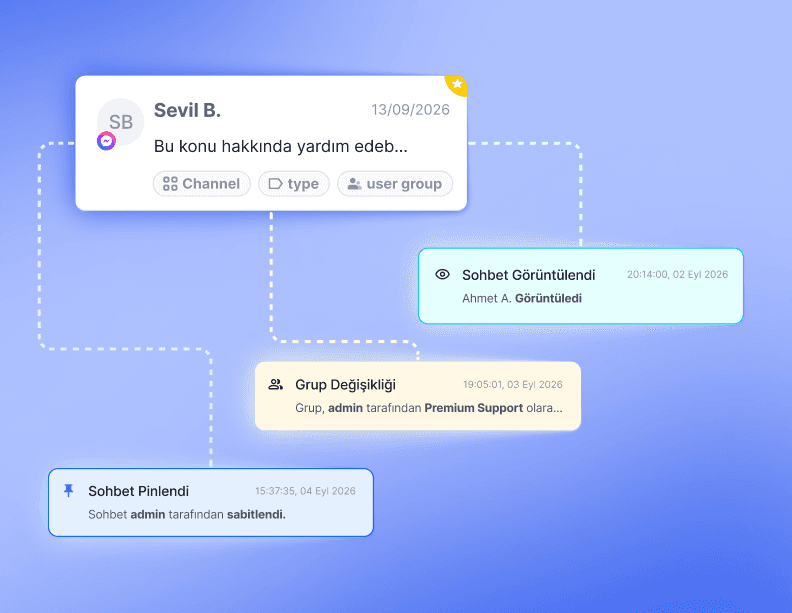
View Ongoing Conversations
Authorized supervisors and team leaders can view ongoing customer conversations across teams and track which conversations are currently active.
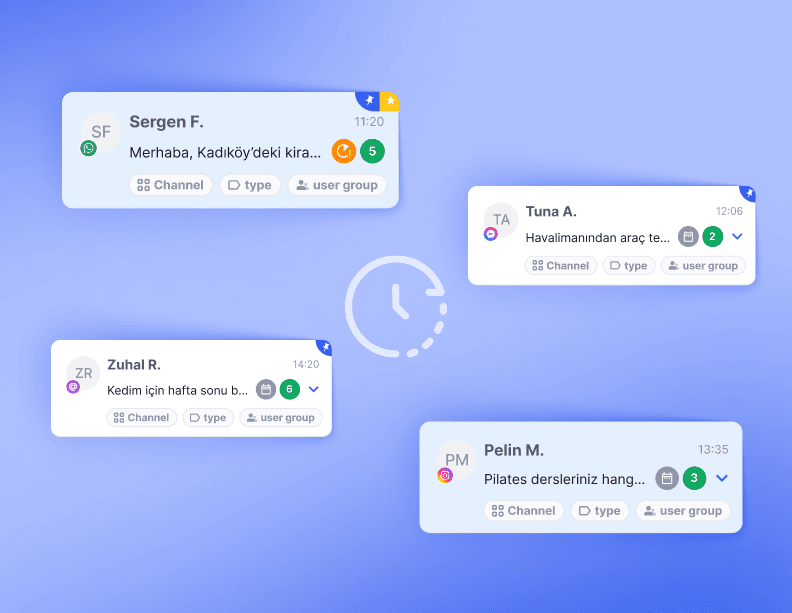
Monitor Agent Messages in Real Time
Track messages sent by agents to customers in real time to gain up-to-date visibility into support quality and operational workflows.
Join Conversations
Enable authorized users to join ongoing conversations and assist with customer communication.
Reassign Conversations
Supervisors or authorized users can transfer conversations assigned to one agent to another agent or group, reorganizing workloads and conversation ownership.
Team-Level and Account-Wide Visibility
Provide authorized users with access to team-level or account-wide conversations according to their scope of responsibility.
Live Support Performance Visibility
Evaluate agent workloads and response performance through reports
Track agent workloads, response times, conversation management, and availability statuses through reports to gain greater visibility into team performance.
Workload and Contribution
Review conversations assigned to and answered by agents, messages sent, and participation in conversations.
Response Performance
Evaluate first response times, average response times, and conversation handling times to gain visibility into the customer waiting experience.
Working Hours and Availability
Track the time agents spend available for new conversations or on breaks to evaluate team capacity.

Customer Story
Tatil Tur turned messaging into a measurable part of its sales journey
Tatil Tur connected messaging channels to its sales journey by bringing users from Instagram Direct and Click-to-WhatsApp ads directly into customer conversations.
x3,3Faster Response Time
Higher sales from Instagram Direct ads
x2,9Sales Conversion Speed
Higher sales from WhatsApp ads
39%High Customer Satisfaction
Reduction in cost per lead
"Across the entire campaign, we saw a 36% reduction in cost per click and a 39% reduction in cost per lead."
Erkan TokaküçükCEO, Tatil Tur
Connected Platform Capabilities
Connect live support operations with every stage of customer communication
Live support goes beyond the moment a customer conversation reaches an agent. Manage conversations in a shared workspace, enable transitions from automation to human support, make customer information accessible from business systems, and track operational results through reports.
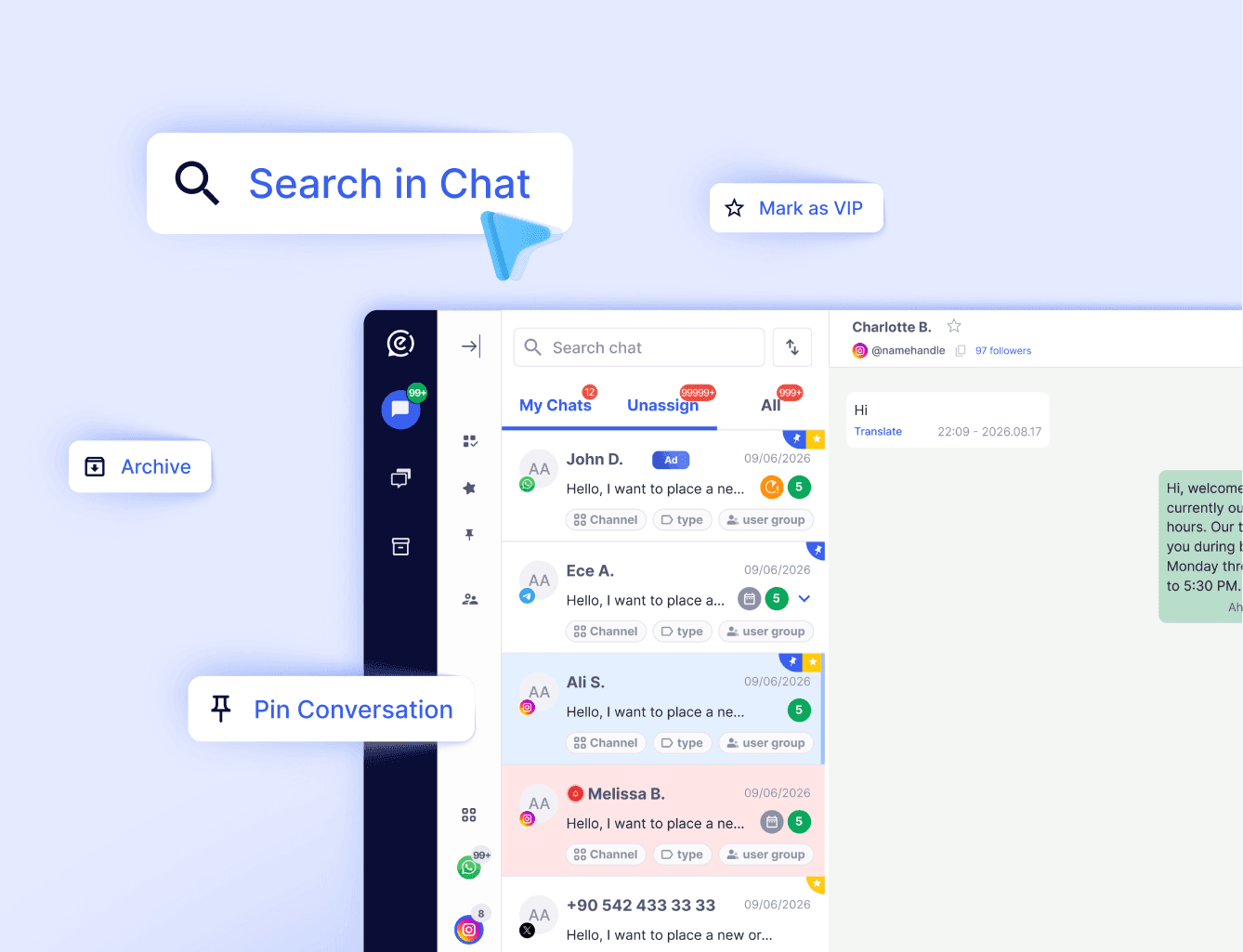
Omnichannel Inbox
Create a Shared Workspace for Agents to Manage Conversations
Manage customer conversations from different channels together with agent assignments, groups, categories, customer information, and conversation context. Access assigned, unassigned, and awaiting-response conversations from the same workspace.
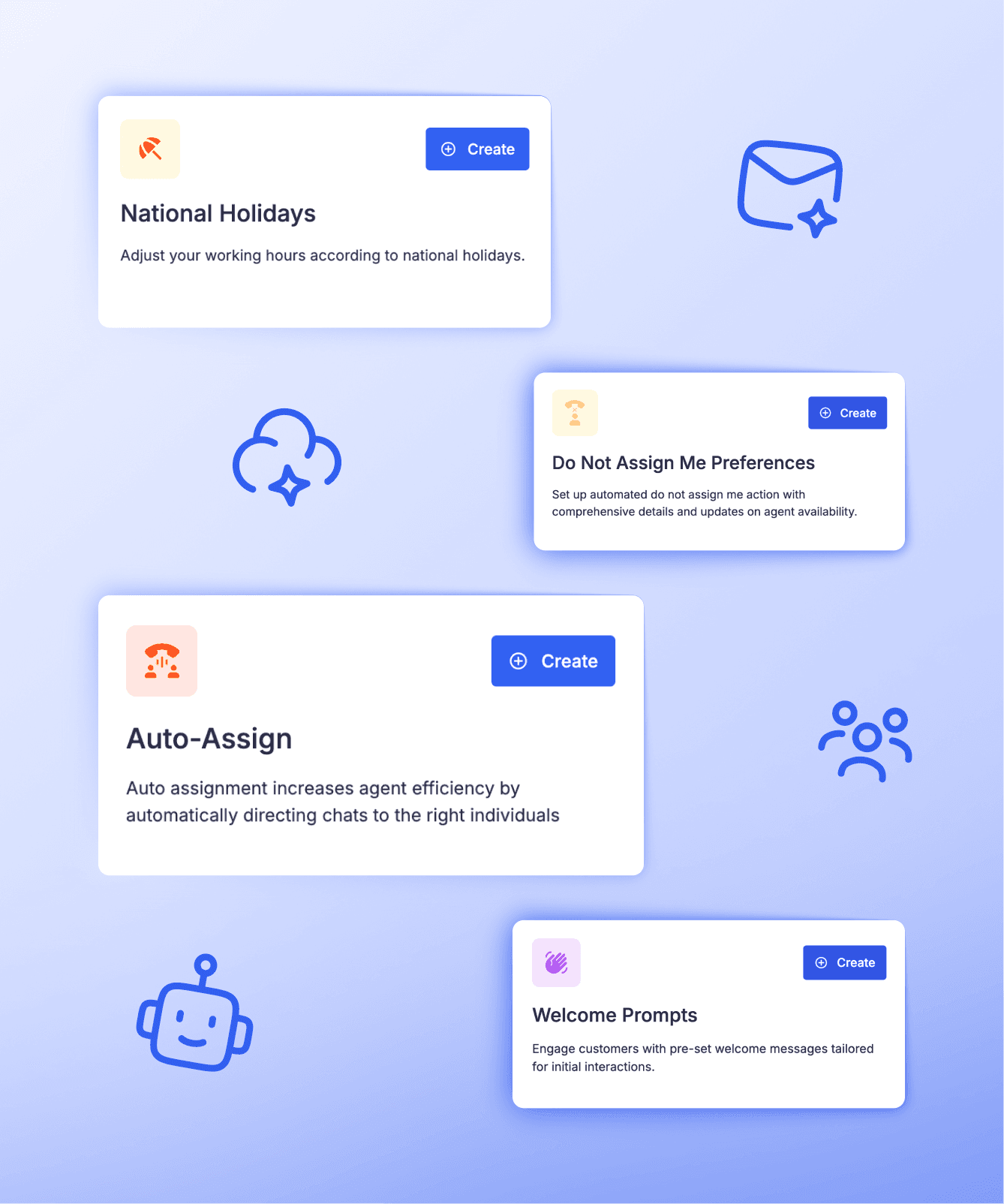
Chatbot & Automation
Configure the highlighting of waiting conversations, business hours, holidays, and automated notifications. Define the conditions under which integrated chatbot conversations are transferred to an agent or group.
CRM & Integrations
Reduce the need to switch between systems by displaying supported CRM contact fields in the agent workspace. Make mapped contact information accessible during conversations.
Reporting & Performance
Track assigned and answered conversations, agent messages, first and average response times, conversation handling times, and availability and break durations.
Channels
Connect interactions from WhatsApp, Instagram, Facebook Messenger, LiveChat, Telegram, TikTok, marketplaces, App Store reviews, and Custom Channels to your live support operations.


Let's Plan Your Live Support Operations Together
Let's evaluate the channels you use, your agent and group structure, conversation volume, and business hours. We'll show you how assignment, availability, transfers, supervisor oversight, and performance visibility can be configured in Connexease through a product demonstration.