








Frequently asked questions
CRM & Entegrasyonlar
CRM & Integrations
Bring CRM contact cards into your customer conversation workspace
View contact information from HubSpot, Zoho CRM, Jira, and Next4biz directly within Connexease Inbox. Give agents access to the information they need while communicating with customers and enable them to update supported fields directly from the conversation screen.
Ready-Made Integrations
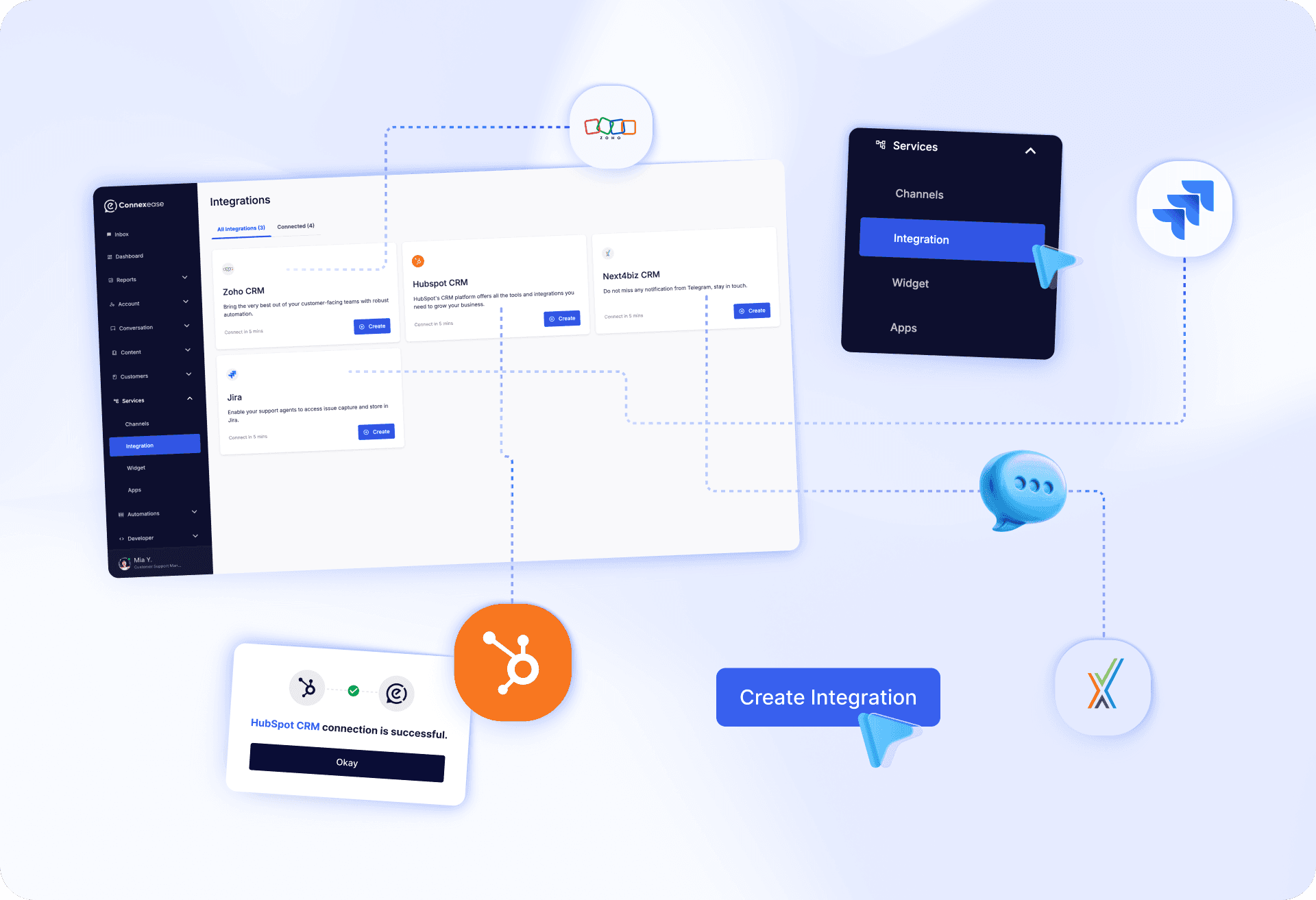
Connect your existing system to Connexease
Connexease offers four ready-made standard integrations, enabling customer service agents to access CRM contact information during conversations.




Conversations and Customer Information in One Workspace
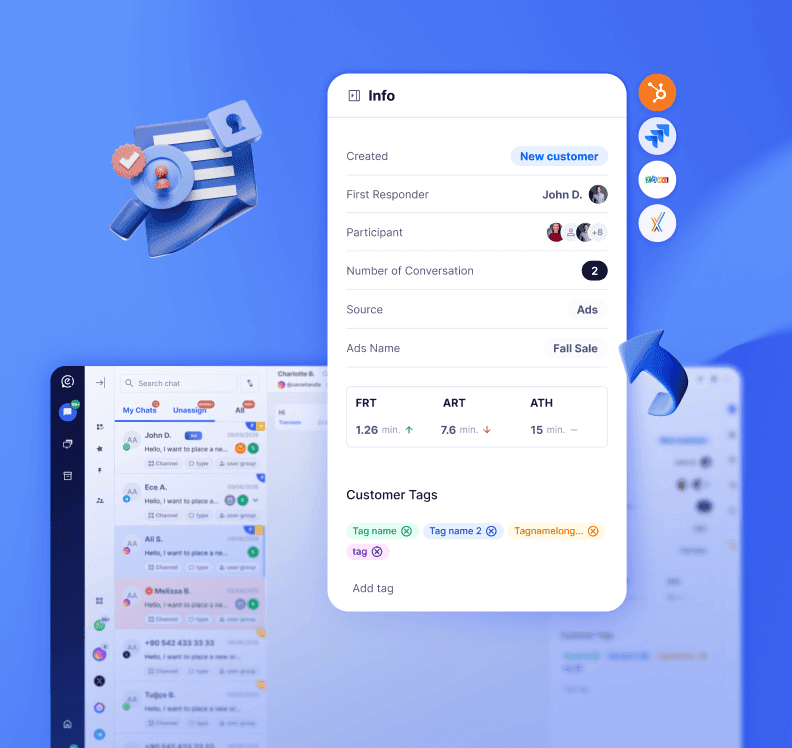
View customer information alongside conversations
Give customer service agents access to the CRM contact information they need directly from the conversation screen. Agents can view supported fields and update them when necessary without leaving their workspace.

View Customer Information Alongside Conversations
Display supported fields from CRM contact cards alongside customer conversations. The information displayed depends on your CRM contact card structure and the supported fields mapped to Connexease.

Update Information During Conversations
Add new or missing information shared by customers to their contact records directly through Connexease.

Keep Contact Fields Up to Date Across Both Systems
Reflect changes made to CRM contact records in Connexease and transfer supported field updates made through Connexease back to the CRM record. Use updated contact information in future customer conversations.

Create New Contact Records During Conversations
Allow agents to choose to create a new contact record when no matching record is found using the customer's phone number.
Controlled Contact Record Management
Match CRM records using phone numbers
Connexease compares the customer's phone number with contact records in the connected CRM system. When an existing record is found, the contact card opens in the conversation screen. If no match is found, the agent can create a new contact record within the same workflow.
Match Records Using Phone Numbers
The phone number is the primary matching information used to find a contact record.
When a Matching Record Is Found
The existing contact card is used. Missing fields can be completed, and agents can update the necessary information during the conversation.
When No Matching Record Is Found
If no matching record is found using the phone number, the agent can create a new contact record. This ensures that the creation of new CRM records remains under the agent's control.
Set Up a Ready-Made CRM Connection
Start the connection process by selecting a supported system from the Connexease Integrations section:
- HubSpot
- Zoho CRM
- Jira
- Next4biz
Make CRM data part of your customer conversations
CRM integration enables agents to access customer contact information during conversations. With ready-made CRM connections, you can view and update supported contact card fields directly within Inbox.
Use Connexease's other platform capabilities to manage conversations, assign team ownership, automate workflows, and measure operational performance.
Omnichannel Inbox
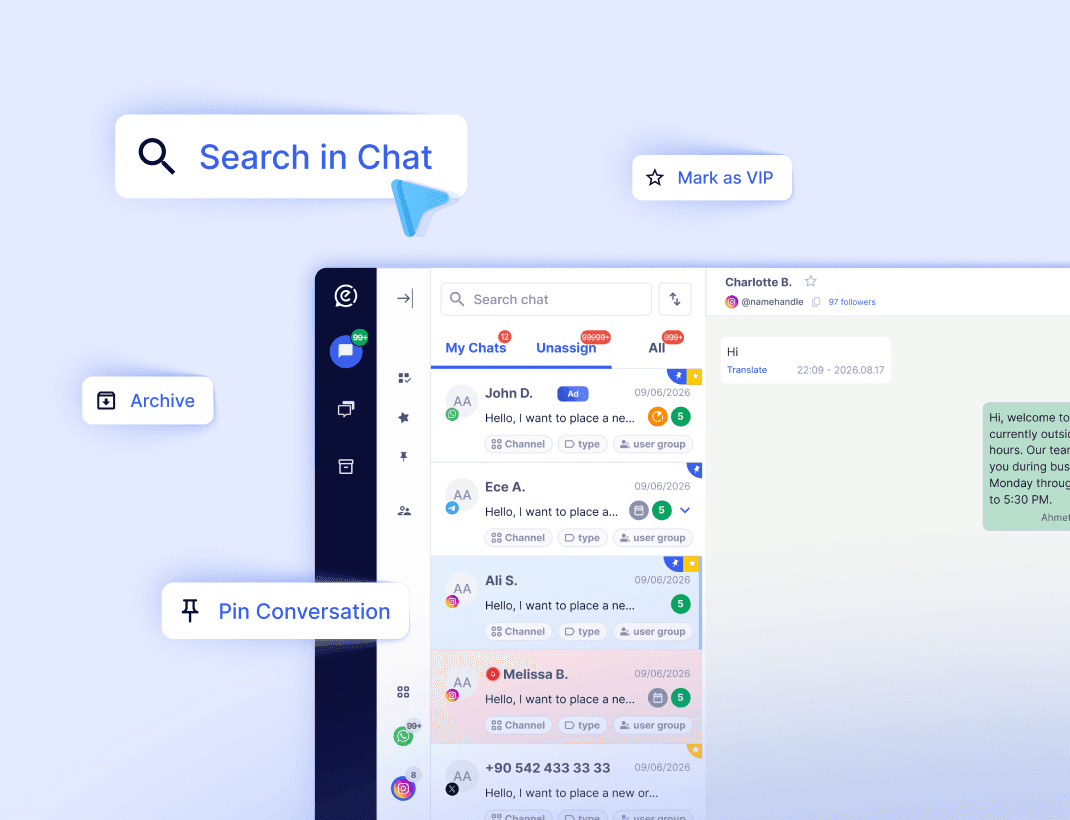
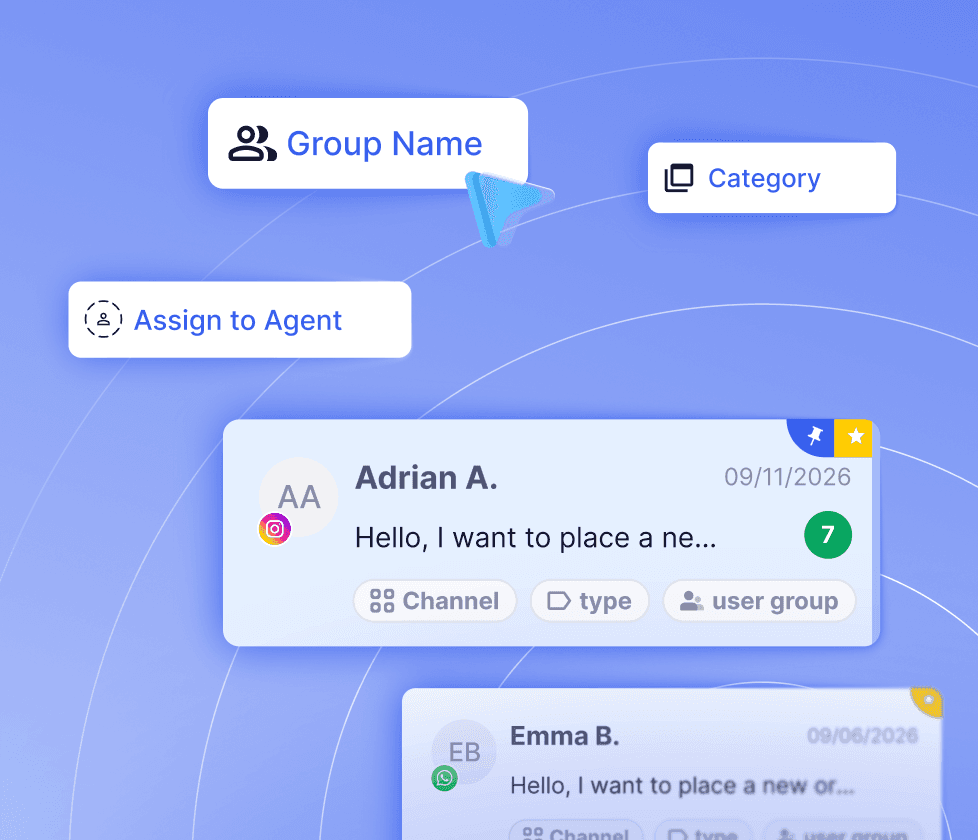
Manage customer conversations from different channels together with agent assignments, groups, categories, customer information, and conversation context. Access assigned, unassigned, and awaiting-response conversations from the same workspace.
Live Support
Assign conversations to agents and groups, transfer them when necessary, and manage ownership of customer communications.
Chatbot & Automation
Handle repetitive customer requests through automated flows and transfer conversations to live support when needed.
Live Demo
Let's identify which steps of your customer communication processes can be automated.
Reporting & Performance
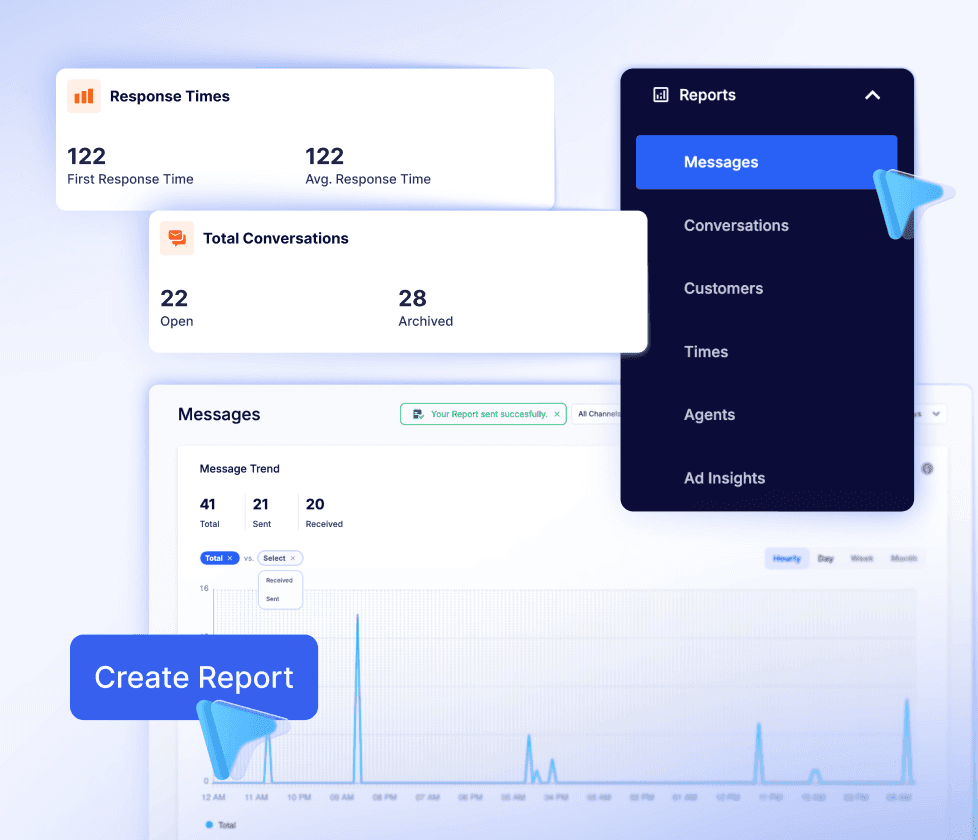
Track conversation volume, response times, and agent performance.

Let's Configure Your CRM Contact Cards Together in Connexease Inbox
Let's review your existing CRM setup and demonstrate how supported contact card fields can be viewed and updated within Inbox.