


































Choose, activate, and configure according to your needs
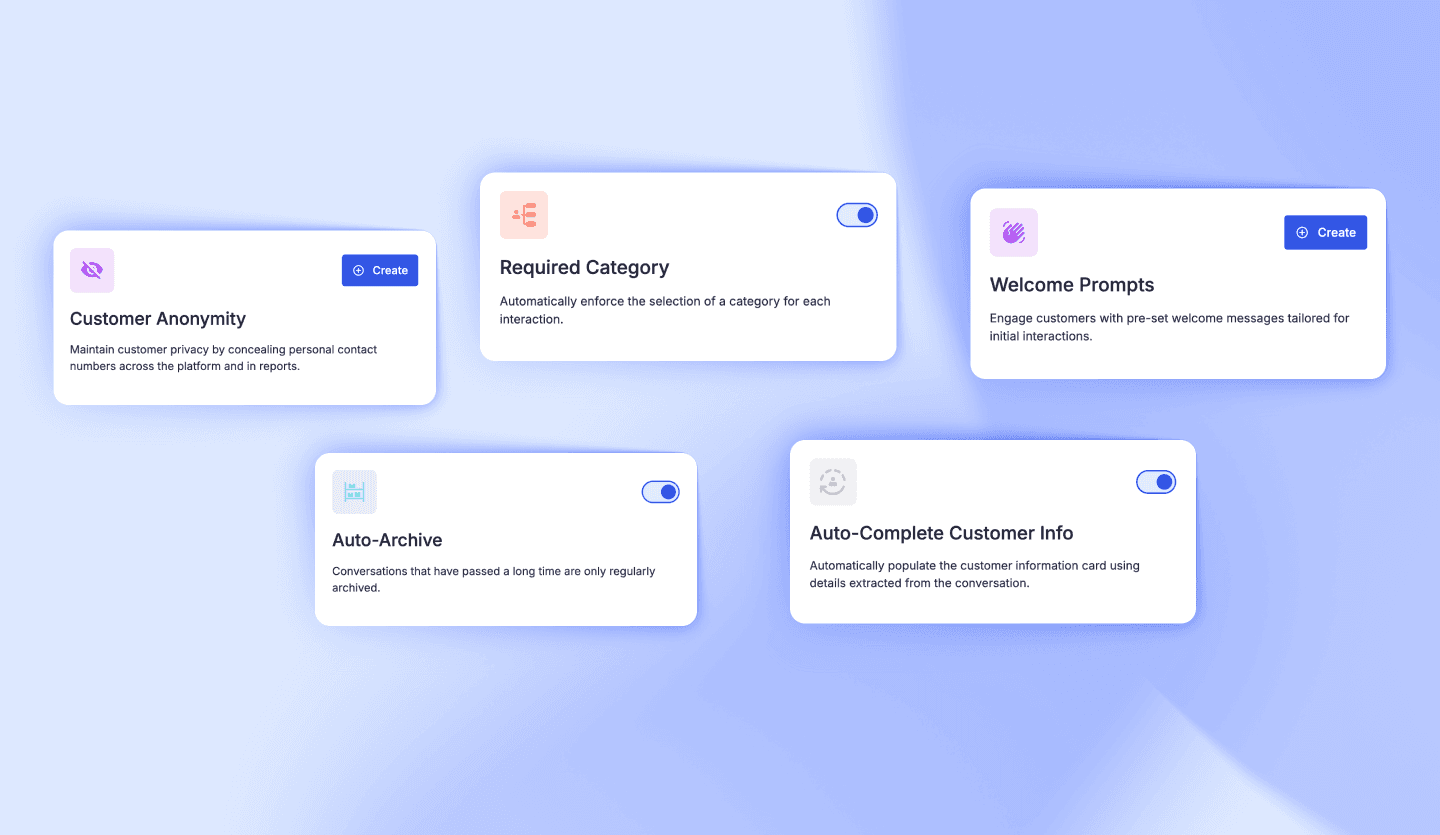
Explore the available Trigger and Smart Rule options. Activate the features you want to use and configure timing, messages, business hours, and operational conditions according to your workflows.
Explore the available Trigger and Smart Rule options. Activate your preferred features and adjust timing, messages, business hours, and operational conditions to match how your business operates.
1. Explore the Available Options
Review the Trigger and Smart Rule options in Marketplace and identify the capabilities that match your operational needs.
2. Activate for Your Account
Activate the selected feature for the relevant account.
3. Configure for Your Workflows
Adjust supported timing, messages, business hours, holidays, agent preferences, and other conditions according to your operations.
4. Manage Active Rules
Update the settings of activated automations when needed or disable the relevant rule.